WEAPON SYSTEMS

RedCell's weapons are built for multiplayer from the ground up. Every shot is server-authoritative through the Gameplay Ability System, every weapon is authored as data, and everything cosmetic (muzzle flash, audio, shell ejects) rides GameplayCues so the network only carries what matters.
01 | Definitions
Data-Driven Weapons
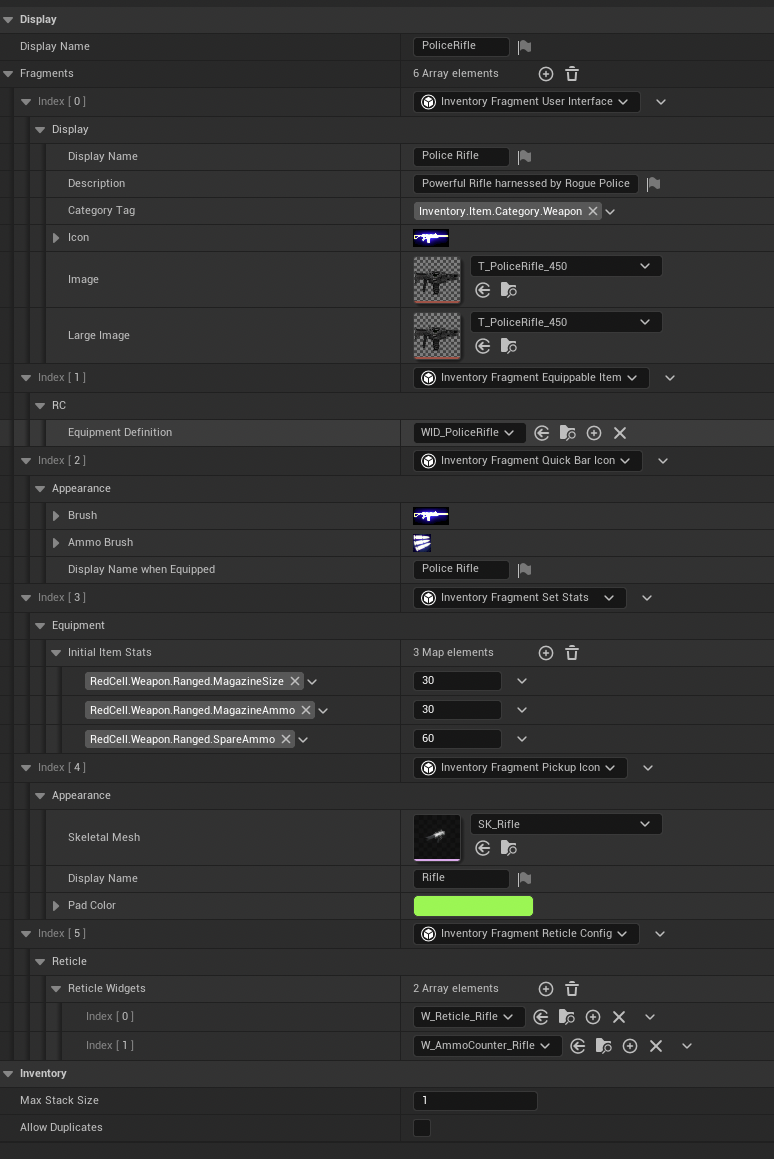
Each weapon is an ItemDefinition composed of fragments, the same item pipeline the inventory system uses, but with equipment fragments granting the weapon's abilities and input bindings on equip. World pickups flow through a weapon pickup definition, and ammo is tracked as stat tags on the item instance, so it persists through pickup, equip, and world travel without separate plumbing.
02 | Fire Path
Server-Authoritative Firing
Firing runs through a Weapon Fire Gameplay Ability. The client traces and submits target data, and the server validates and applies damage on its authoritative path. Cosmetic feedback is fully separated with GameplayCues to carry the muzzle flash, tracers, impacts, force feedback, input device properties, and custom audio functions to every relevant client.
The authoritative fire path also reports AI noise events, so enemies hear every player's gunfire in multiplayer, covered on the Enemy AI page.
03 | Aiming
ADS & Aim Assist
Aiming down sights swaps in a dynamic input mapping context — sensitivity and bindings change while aiming and restore cleanly on release, instead of being faked with multipliers.
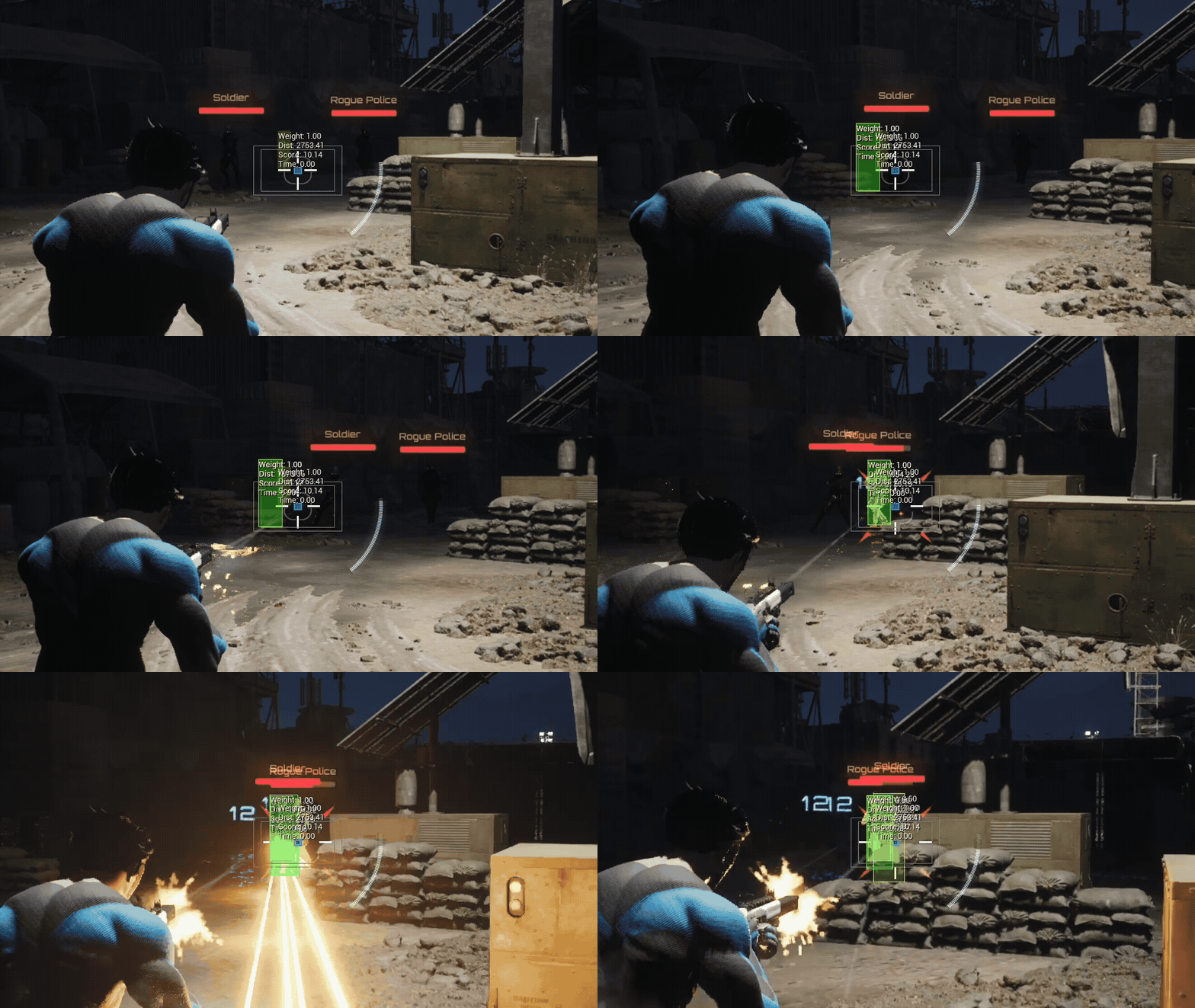
Gamepad players get a full aim assist implementation with target-tracking pull and slowdown zones tuned per weapon. This was also ported and adapted from Lyra's aim assist architecture and integrated with RedCell's specific targeting channels.
04 | Feedback
Shell Ejects & Weapon Foley
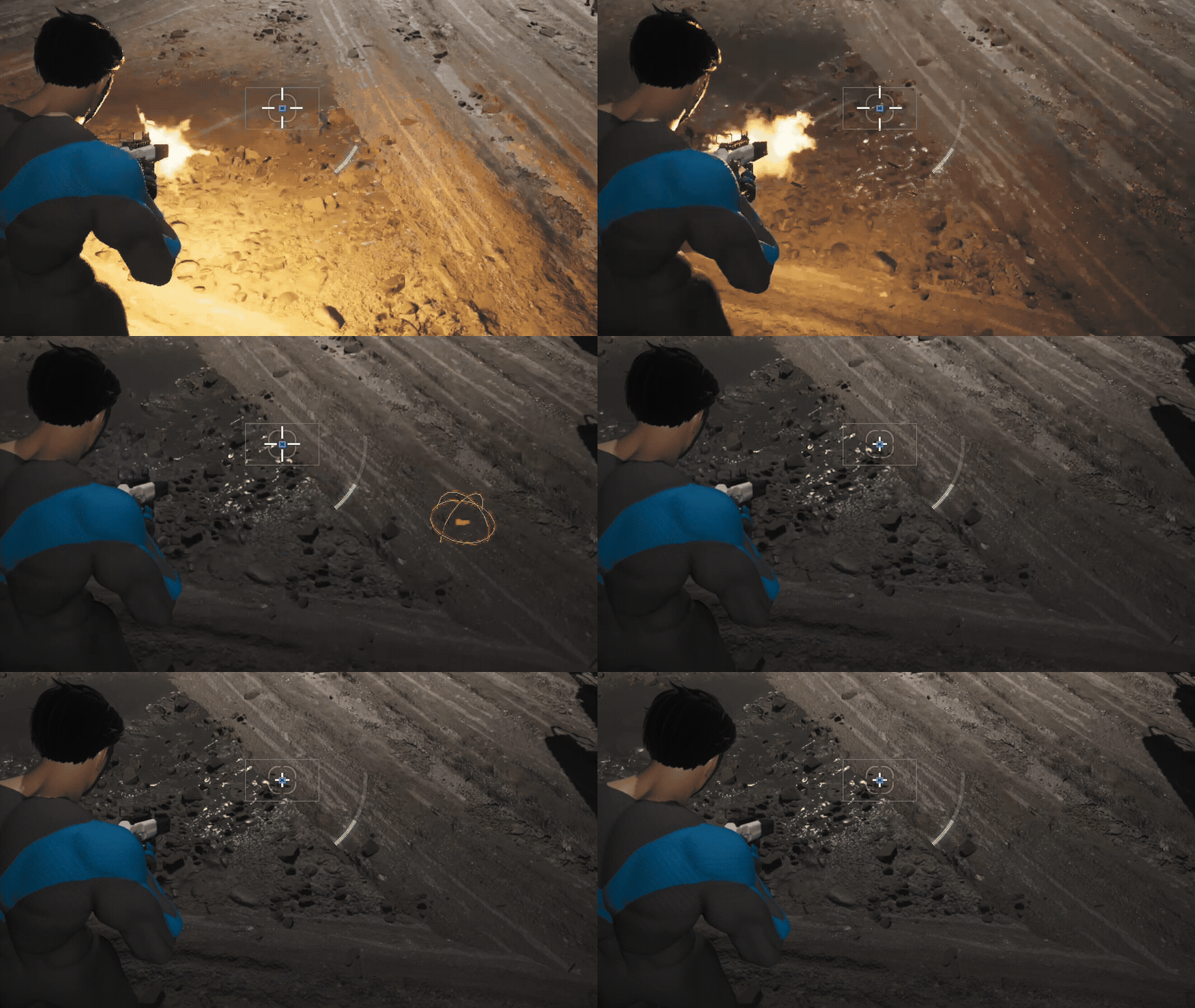
Shell eject audio isn't faked with a timed one-shot — the brass you hear is the brass you see. Ejected shells are physically simulated Niagara particles: the shell emitter generates collision events, and a dedicated listener emitter receives them and exports each impact's position and velocity back to the weapon Blueprint through a Niagara callback interface. Spawned fire-effect actors are kept separate from the weapon so switching slots never destroys live effects mid-flight.
On each callback, TriggerShellEjectAudio traces at the shell's landing point, resolves the physical surface, and spawns the impact sound exactly where the brass hit. A per-weapon surface map routes each surface type to a trigger preset inside the shell-eject MetaSound — concrete rings, grass thuds — and restitution-aware filtering skips bounce audio on soft surfaces so a shell in grass doesn't rattle like one on pavement. The eject sound and surface map are exposed per weapon in class defaults, and the callback is gated by a team check — player weapons run the foley path, while AI weapons skip it entirely.
The mix is kept clean with sidechain compression: every weapon's punch layer feeds a weapon-fire audio bus through a reusable gated bus-writer patch, and that bus ducks the shell-eject output while firing — so brass reads clearly between bursts without cluttering the gunfire itself. The MetaSound design behind it is covered on the Audio & Music page.
In Development
Primary melee weapon & combat animations
Weapon holstering ability & anim layers